SchedbotPro
Ask what’s next. Get a real answer.
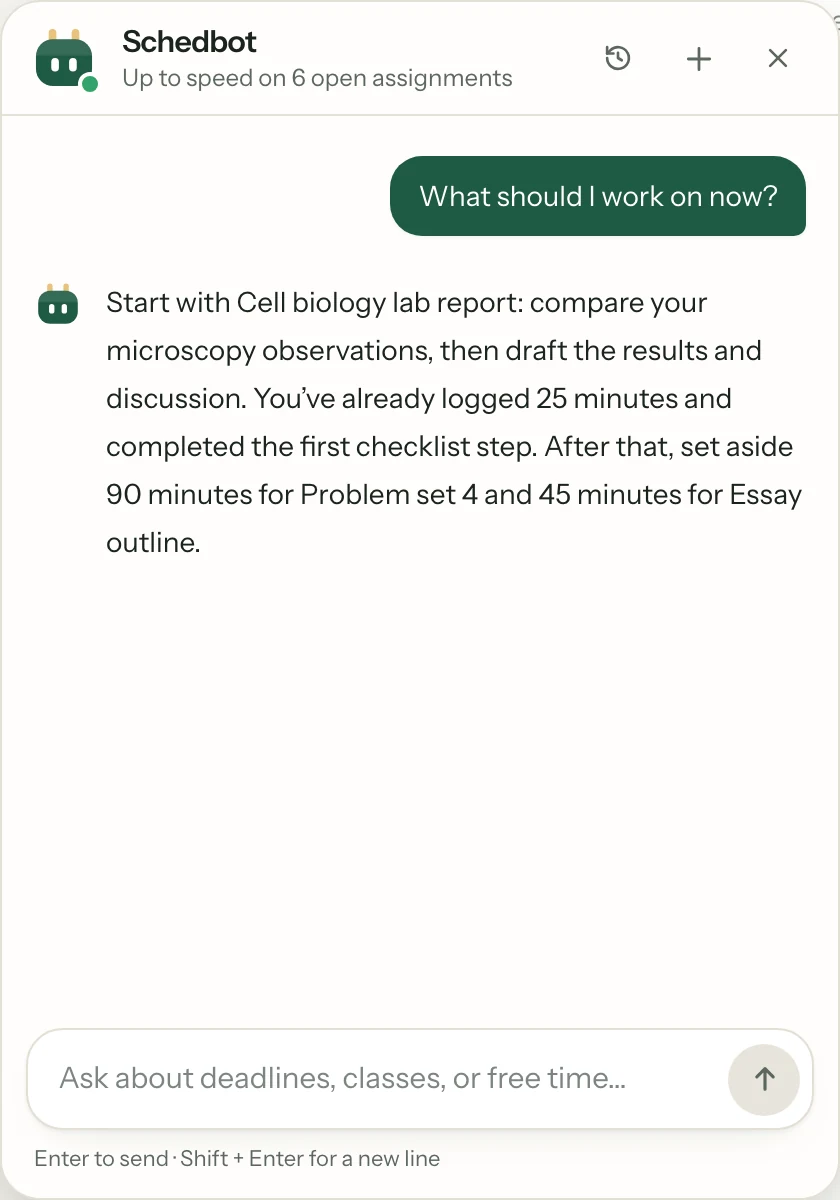
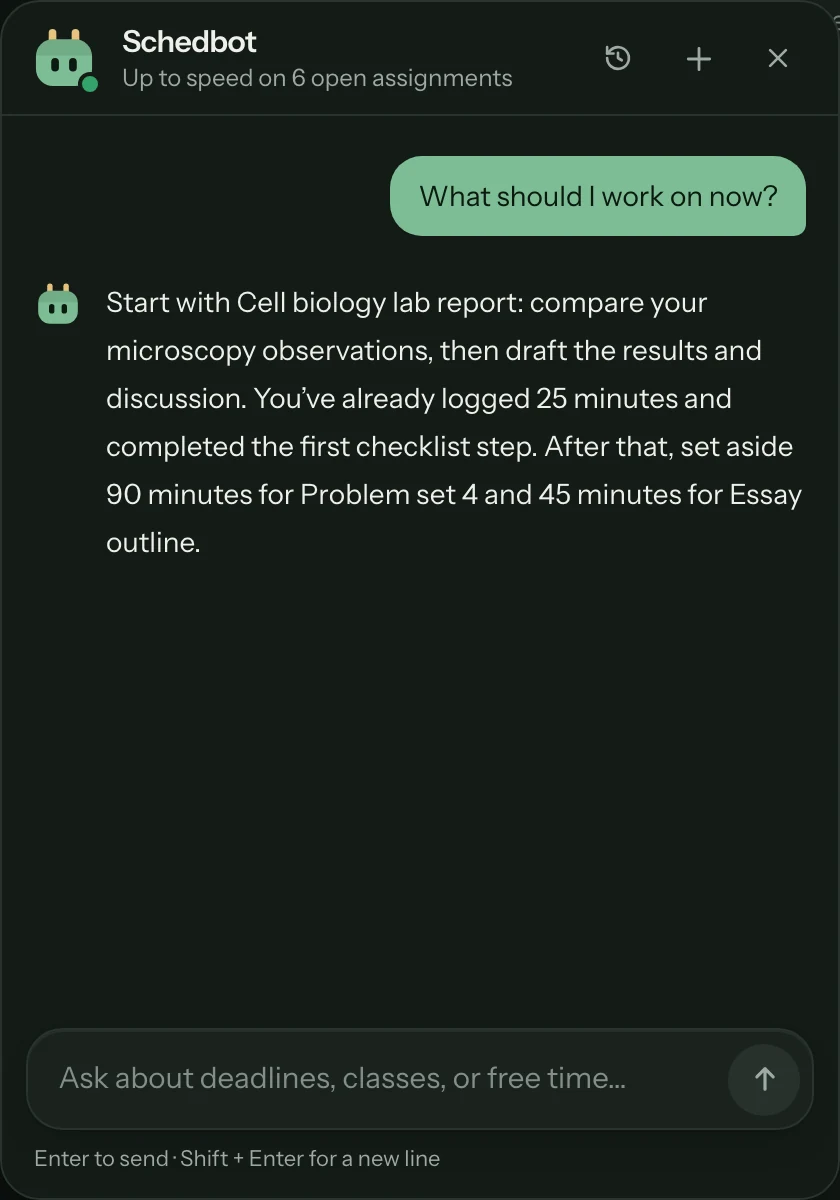
Schedbot knows your assignments, checklists, and class times. Add, move, or finish work in a sentence. It asks before it deletes anything.
Schedly is the student planner for college assignments and deadlines. It brings your syllabi, deadlines, and classes together, puts your work in order, and plans when to do it. Know what’s due. Know when to do it.
Free for up to 15 open assignments, with 2 free syllabus analyses. The tour needs no account. Have an account? Log in
In a study of university students, hard projects got finished 62% of the time when students had decided when and where they’d start. Without that decision, 22% did. Schedly tells you when to start each assignment, and Plan my week puts the time on your calendar.
Gollwitzer & Brandstätter, Journal of Personality and Social Psychology, 1997
School doesn’t come with a plan. Schedly makes one, so your time goes to the work itself.
Syllabus PDFs, course sites, emails, and whatever was announced as class ended. None of it lives in one place.
A lab report due Friday needs real hours on Wednesday. A list of dates can’t tell you that.
Most to-do apps leave the sorting, ranking, and rescheduling to you, every single day.
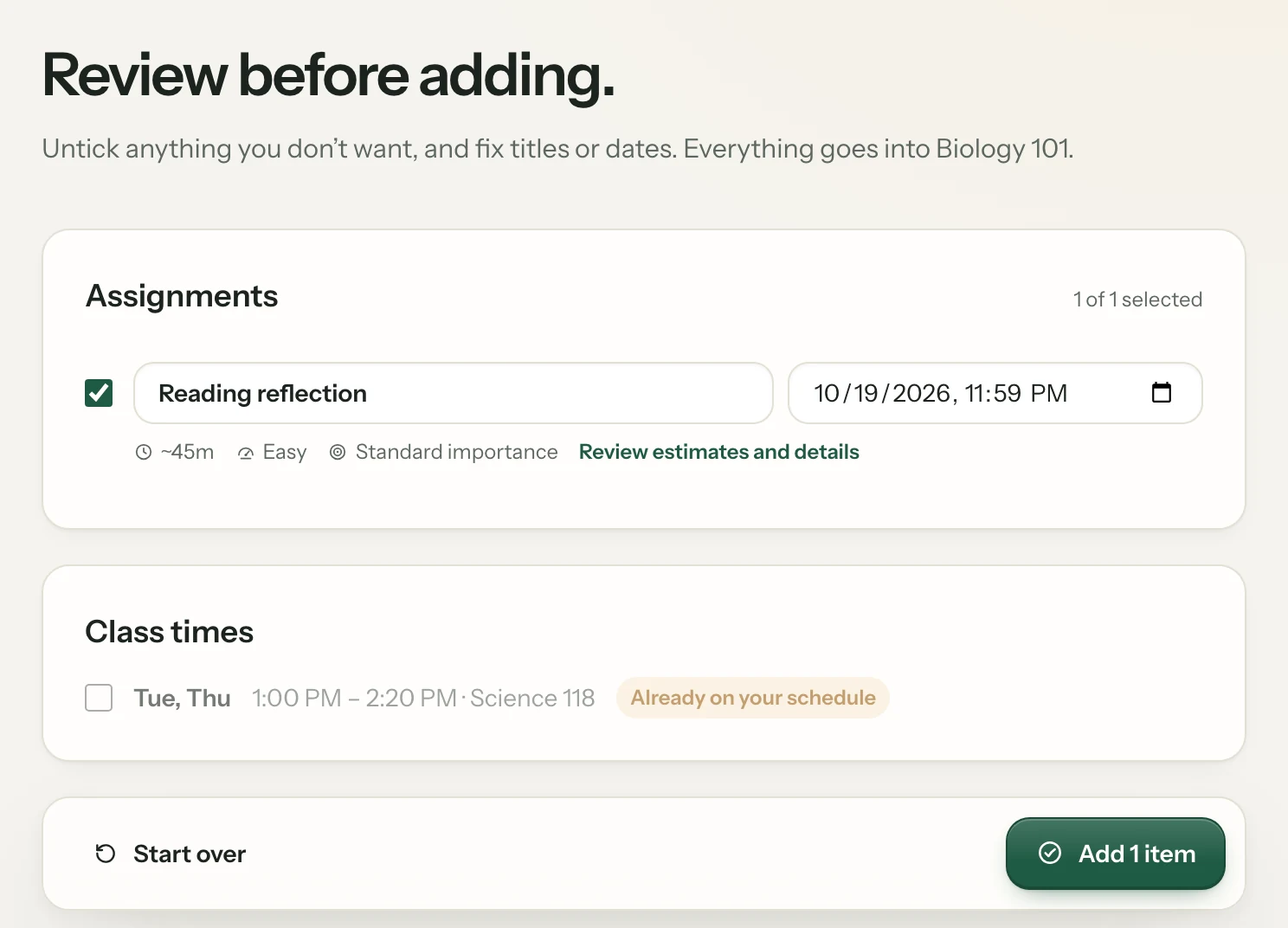
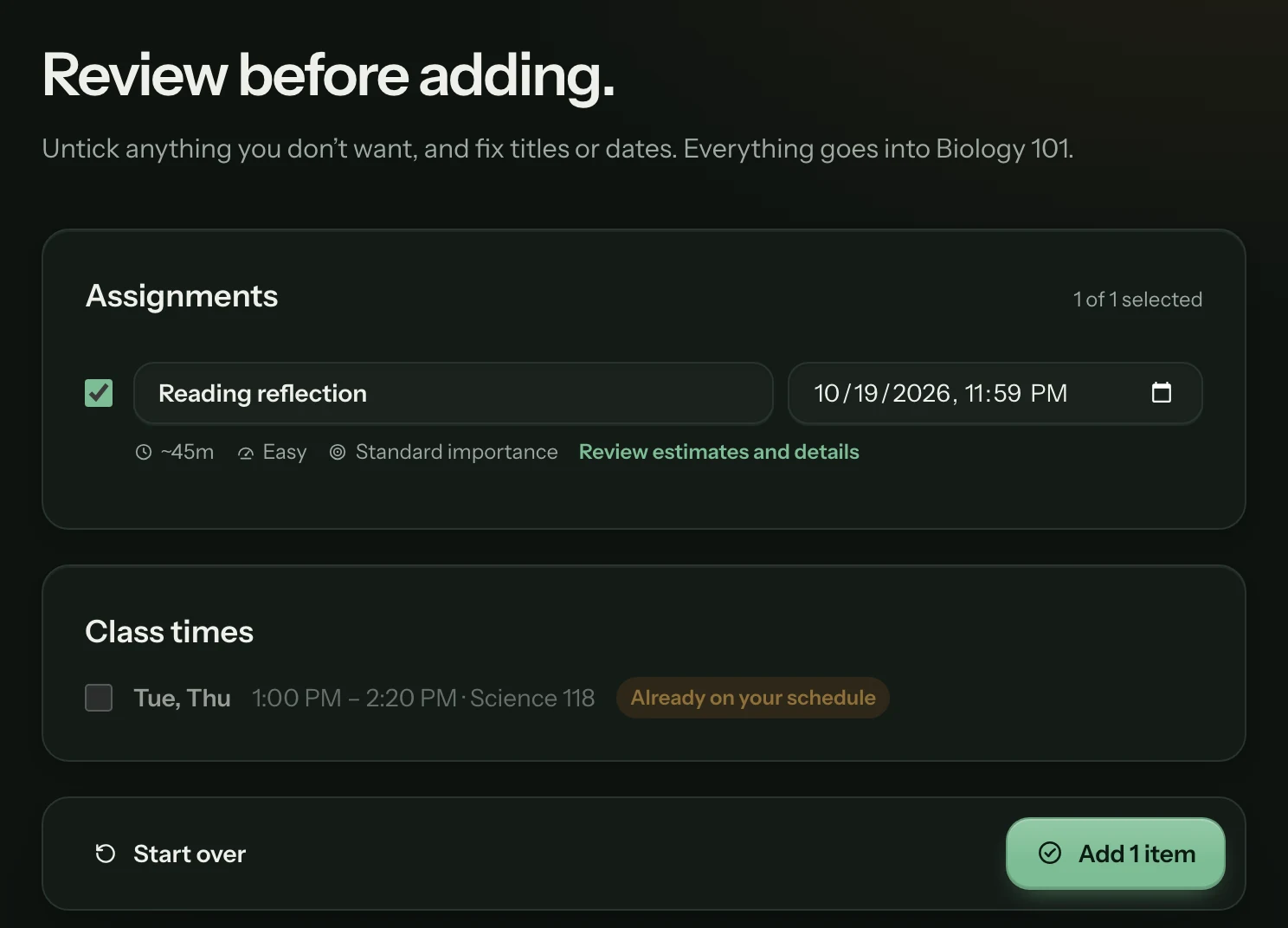
Upload a syllabus PDF, paste a class email, or snap your schedule. EasyAdd finds the assignments, exams, and class times, and nothing is added until you review it. Pro
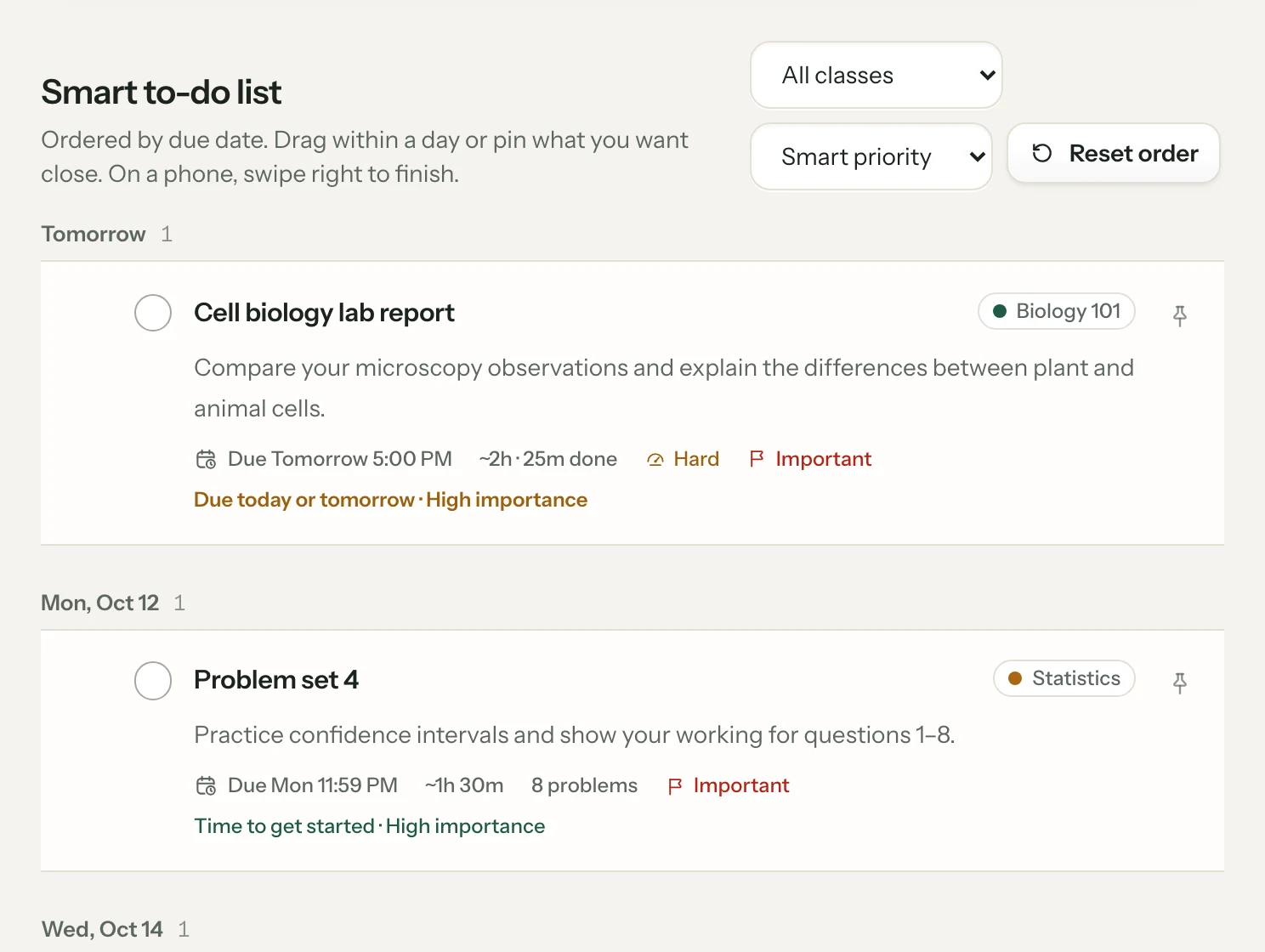
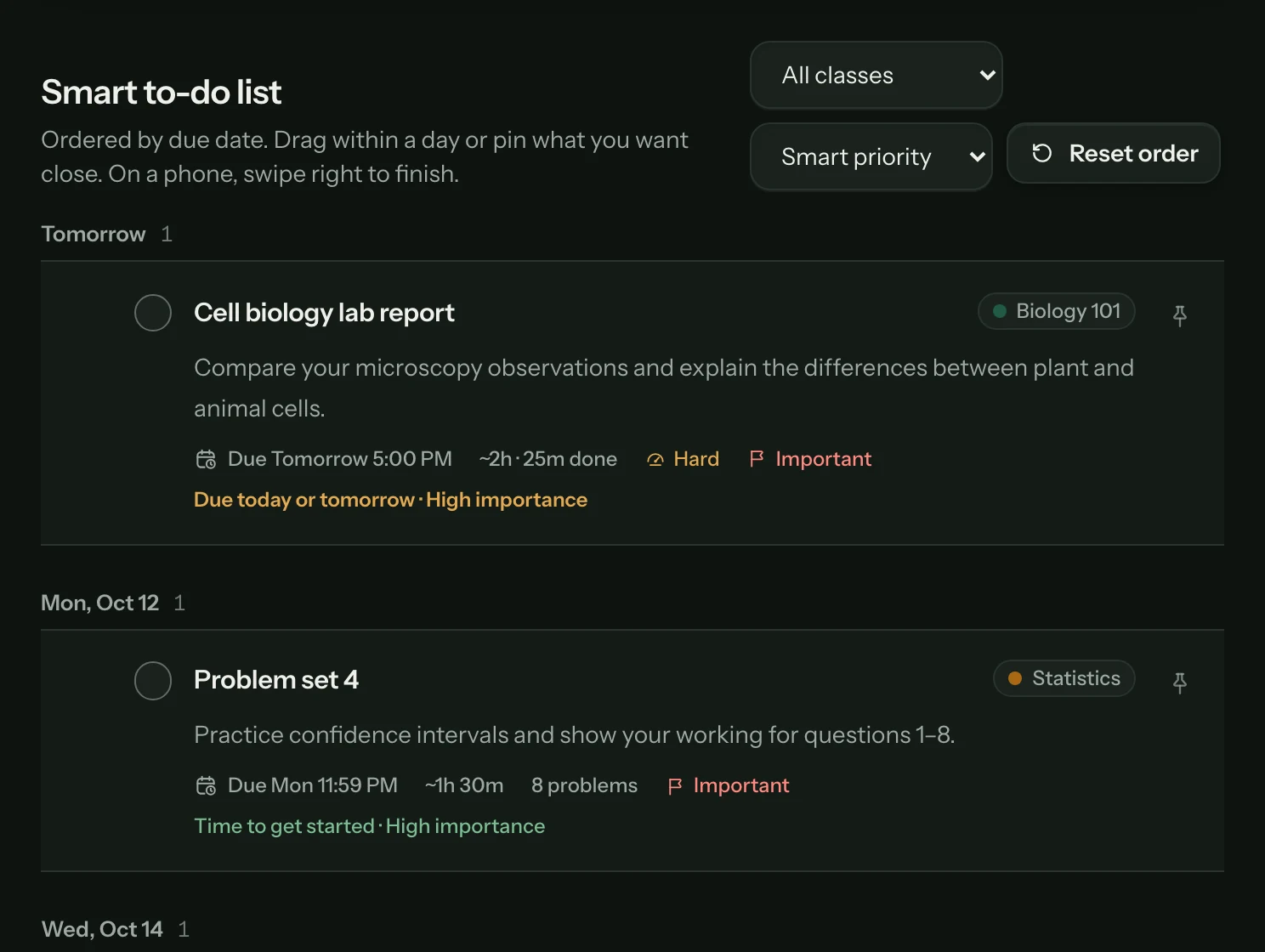
Every assignment lands in date order with its reason, like “Due today or tomorrow · High importance.” Focus now picks the next thing to start.
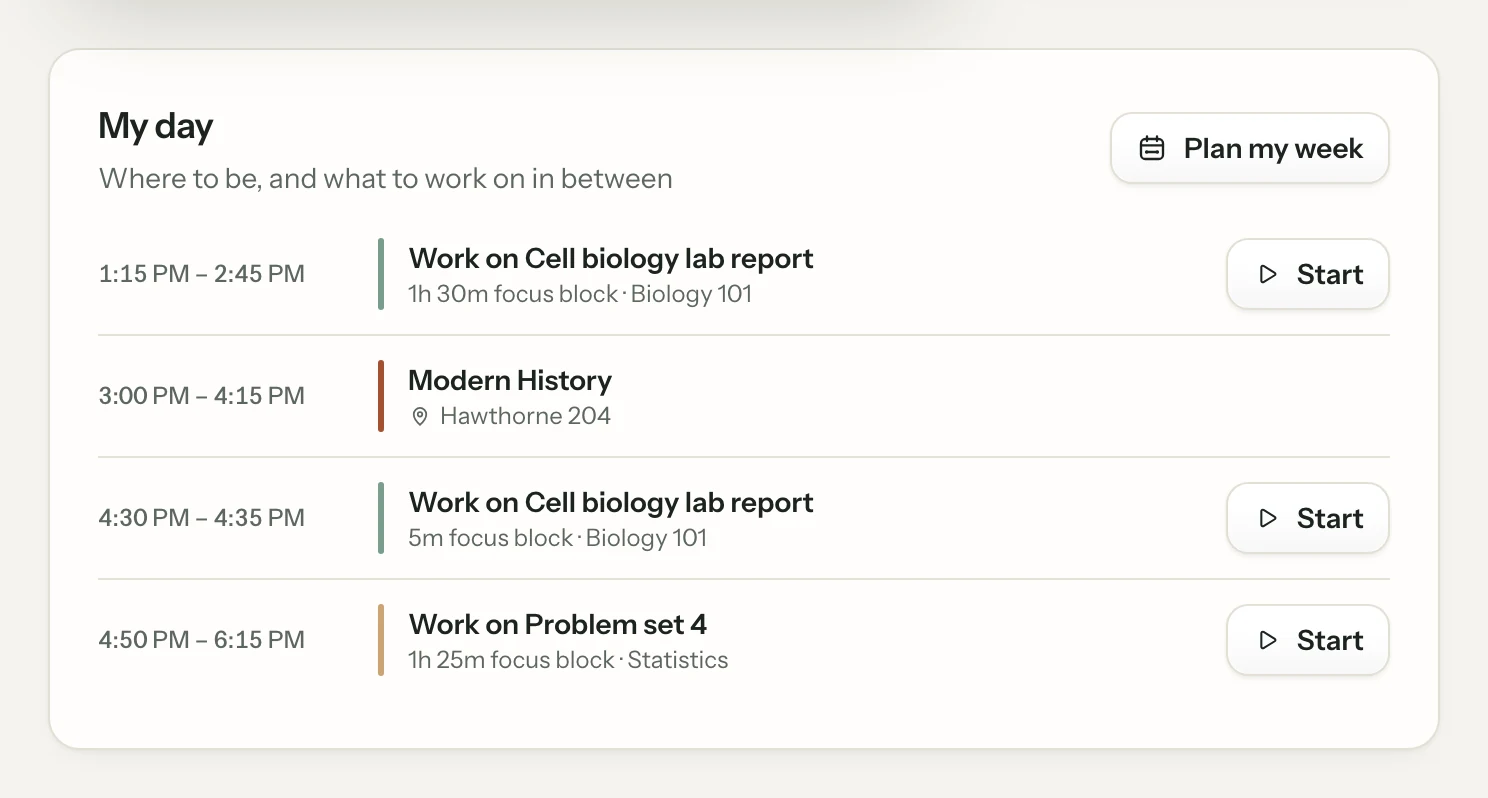
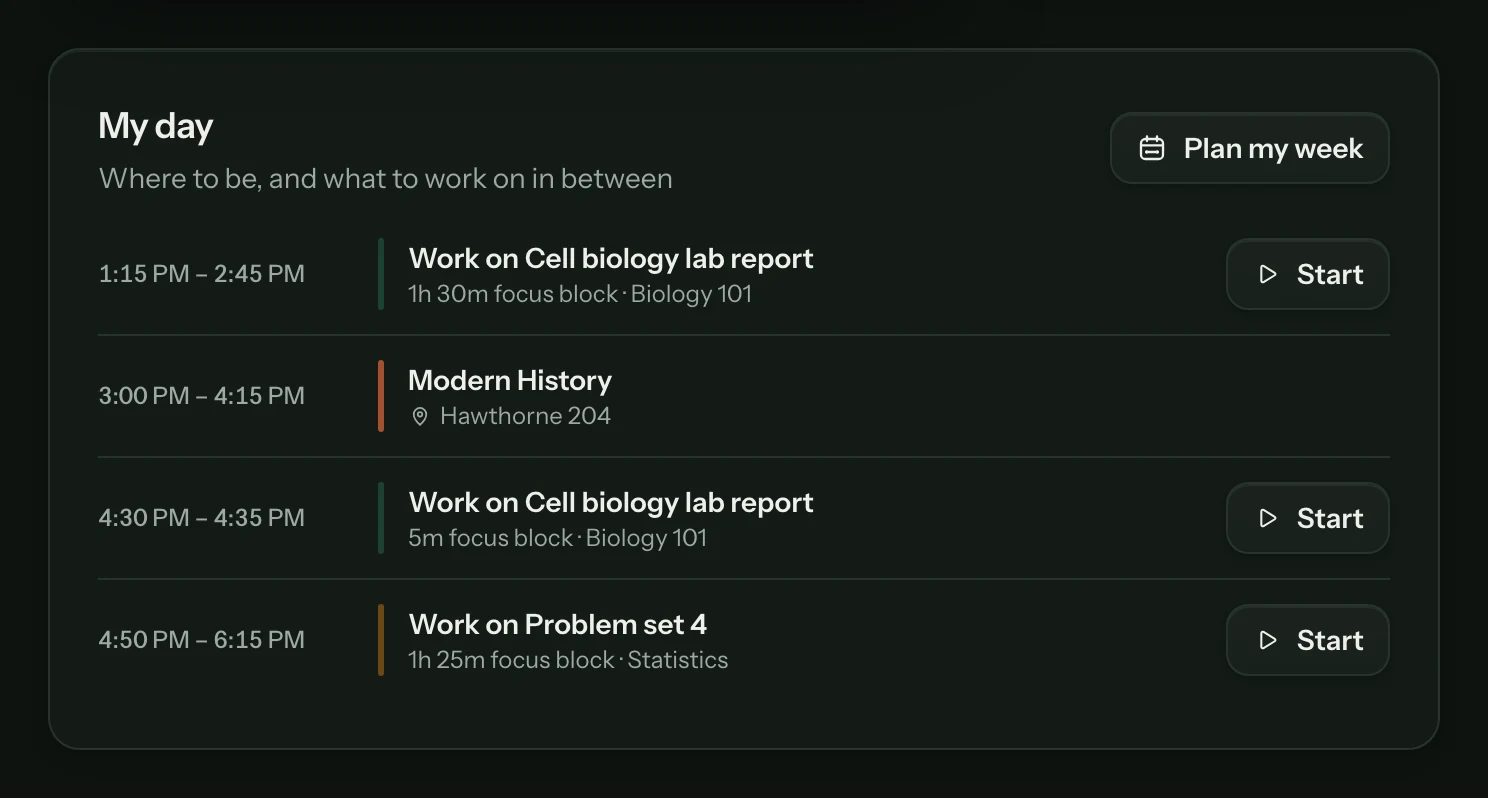
Plan my week fits sessions between your classes, spreads bigger work across nearby days, and waits for your OK before adding anything. Pro
Type it the way you’d text a friend. Quick add reads the class, due date, and effort, then Schedly shows where it lands and why.
Quick add is a Pro shortcut Pro. Every plan, Free and Pro, can also add assignments with the full form, which asks for the same details one field at a time.
Add it to see where it lands and when Schedly starts flagging it.
Runs Schedly’s real ranking on a sample semester: Maya Chen’s Biology 101, Statistics, and Modern History. Nothing is saved.
Every assignment gets a head start: the days before it’s due when Schedly tells you it’s time to get started. Harder, more important, and longer work gets a longer one. A very challenging, essential 6-hour paper starts 10 days out. A quick reading waits for its last three days.
No surprises the night before. You see big work while there’s still time to plan it, spread it out, and turn it in on time.
On the list todayDay 5 of 14. Head starts in gold.
It learns your pace, too. Focus sessions log how long work really takes. If your Biology work usually runs 1.4× your estimate, My day plans for that. Pro
“Honors students expected their thesis to take 34 days. It took 56.”
Each one is drawn from the real app, filled in with a fictional student’s semester.
SchedbotPro
Schedbot knows your assignments, checklists, and class times. Add, move, or finish work in a sentence. It asks before it deletes anything.
Break it downPro
Split a project into steps with mini deadlines, or let Suggest steps draft them.
Focus timerPro
Start a timer from Focus now. Logged time teaches Schedly your pace.
Calendar
Deadlines, your own target dates, classes, and events in one view. Free shows the next ten days; Pro covers the whole semester.
On your phone
Schedly runs in your phone’s browser, with a layout made for small screens.
Email updatesPro
A morning email of what’s due, your classes, and anything overdue, plus reminders from Schedbot.
Four findings shaped how Schedly plans. These studies weren’t run on Schedly. They’re the reasons it works the way it does.
62%vs22%
University students finished 62% of the hard projects they planned for winter break when they had decided when and where to start, and 22% when they hadn’t.
Schedly: Focus now names the next thing to start, and Plan my week books the time around your classes.
34→56 days
Honors students expected their thesis to take 34 days. It took 56, and only 30% finished by their own estimate.
Schedly: Focus sessions log real time, and Schedly learns your pace by class. Pro
2 of 10
In a review of 10 study techniques, spacing study out over time was one of only two rated high utility. Highlighting and rereading were rated low.
Schedly: Plan my week spreads bigger work across nearby days instead of one long night. Pro
Even slightly
People were considerably more likely to use an algorithm’s forecasts when they could adjust them, even slightly.
Schedly: Pin, drag, untick, approve. Every suggestion shows its reason and waits for your OK.
Follow Maya Chen, a fictional student taking Biology, Statistics, and History, through the real Schedly Pro interface. Nothing you do in the tour is saved.
Liam Kellum, a first-year student at Colgate University, built Schedly to bring assignments, syllabi, and deadlines out of scattered sites and messages and into one place.
Why I built Schedly“Less time figuring out what needs to get done. More time actually doing it.”
$0
Keep your next 15 assignments in order. Finished work doesn’t count.
$14.99/month or $140/year
Plan your whole semester.
Upgrade any time from inside Schedly. AI features share a weekly allowance.
Something else on your mind? Visit Help.
Need a quick answer before you sign up? Our free study time calculator and grade calculator need no account.
Yes. The Free plan covers up to 15 open assignments at a time (finished work doesn’t count), with the smart to-do list, Focus now, a ten-day calendar, resources, search, Past work, and 2 free syllabus analyses with EasyAdd Lite. Pro is $14.99/month or $140/year. It adds full EasyAdd, Schedbot, Plan my week, and the full calendar, and removes the limits.
No. Schedly plans when to do your work and keeps track of it. EasyAdd and Schedbot organize your deadlines and schedule; the thinking and the writing stay yours.
Schedbot answers from your own plan: your assignments, checklists, class times, and events. It can add events and assignments, change due dates, and mark work done. It always asks before deleting anything.
Pick a class, then upload a syllabus or assignment sheet as a PDF, add a photo of your schedule, or paste an email. EasyAdd lists the assignments, due dates, and class times it found, and nothing is added until you’ve reviewed it. On Free, EasyAdd Lite gives you 2 analyses of pasted text or text PDFs: it imports assignments and the next ten days of exams and events, but not classes.
Pro can bring in deadlines from your school’s calendar feed, such as Canvas, and show Schedly due dates in your phone’s calendar.
Yes. Schedly runs in your phone’s browser with a layout made for small screens, including swipe to finish. With Pro, your deadlines can also show up in your phone’s calendar app.
Only you. Your plan is private to your account. You can export everything as a file whenever you like, and delete your account from Settings.
No. Schedly at schedlyhq.com is a student planner for college students, and isn’t affiliated with schedly.io or schedly.ai.
Take the guided tour. It walks through a fictional student’s semester in the real Schedly Pro interface, and nothing you do there is saved.
Add it to Schedly and see where to start tonight.