Your syllabus is full of deadlines. Let’s make a study plan.

Bring the PDF. Schedly finds assignments and dates for you to review, then puts your work in order. With Pro, fit study sessions around your classes. Your next step is right there when you open it.

Free for up to 15 open assignments. Try 2 free syllabus analyses.

Updated

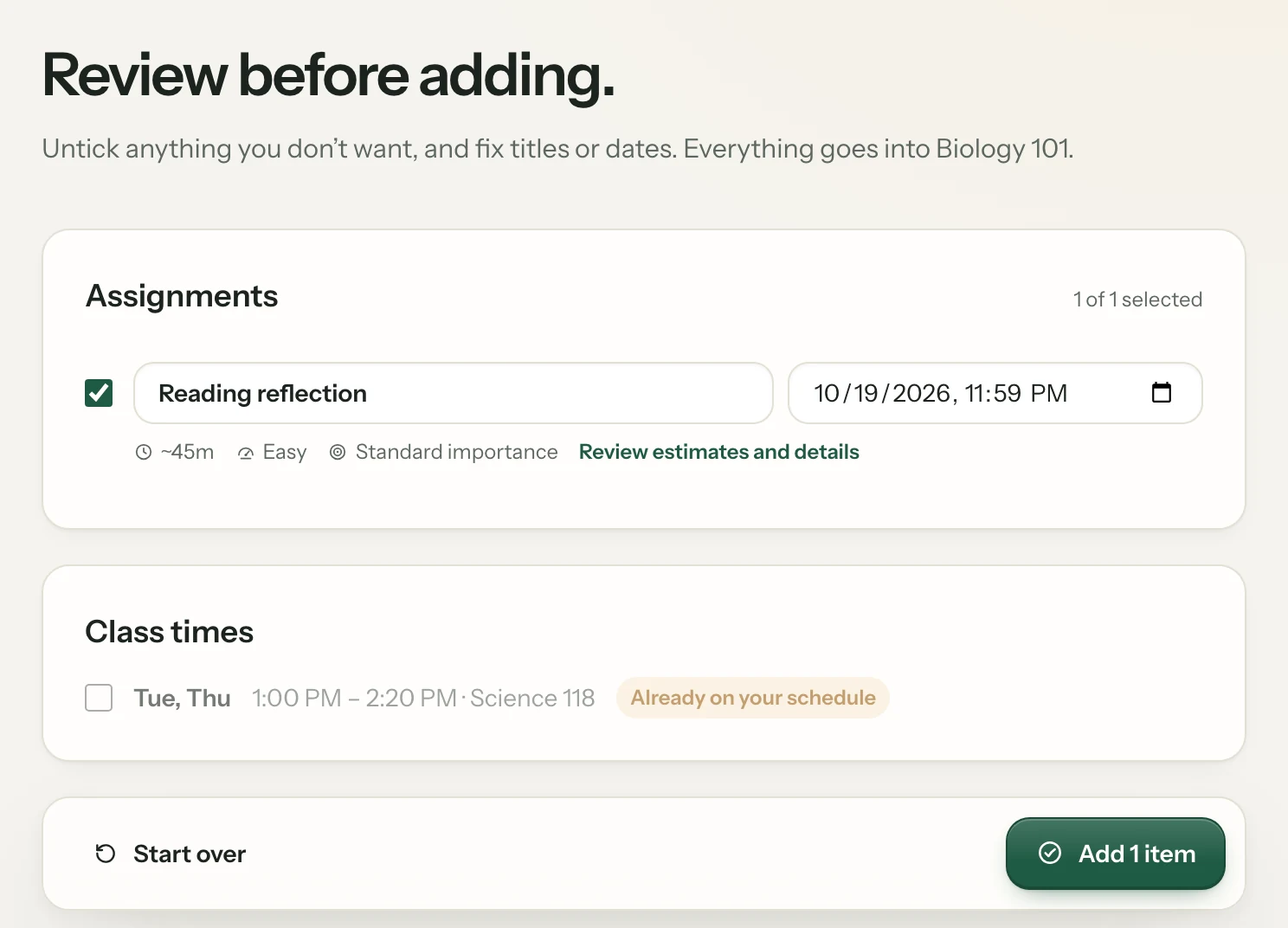
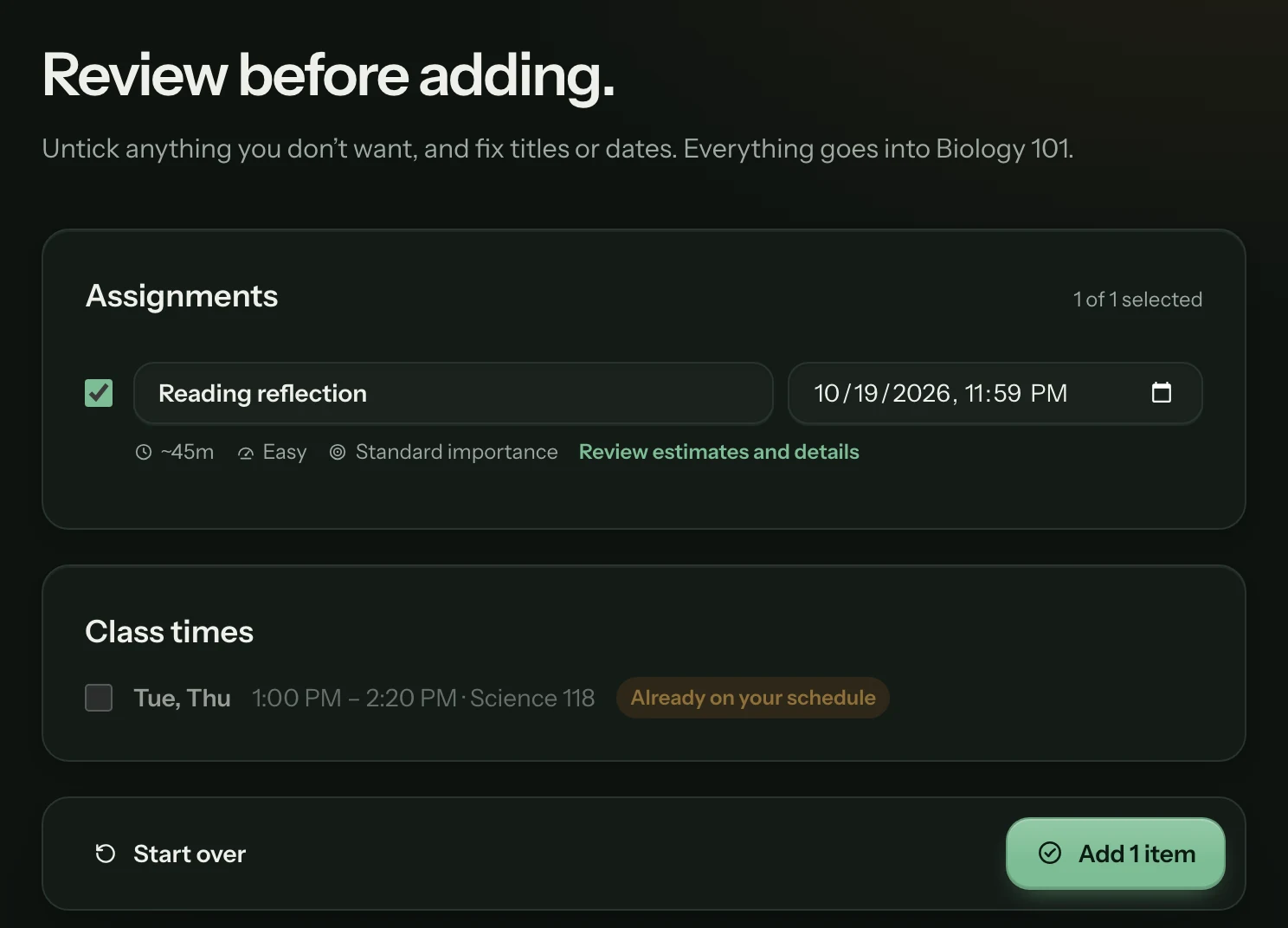
EasyAdd’s review screen listing a reading reflection it found in a Biology class email, ready to be checked and added.EasyAdd’s review screen listing a reading reflection it found in a Biology class email, ready to be checked and added.
Schedly, shown with example data from the product tour
Walk through an example
  • Paste the text or upload the PDF. Nothing is added until you review it.

  • Assignments land in due-date order, with the reason each one is where it is.

  • Free includes 2 syllabus analyses. Pro reads scans, photos, and class schedules too.

On this page

Why the syllabus alone isn’t a plan

Most syllabi are written week by week: “Week 6, Thursday: response paper due.” That’s useful in September and easy to lose by October, when five courses are each counting weeks from a slightly different start date and the dates live in five different PDFs.

A study plan needs three things a syllabus rarely gives you: real calendar dates, all your courses in one list, and when to start, not just when it’s due. A 10-page paper due Friday and a reading quiz due Friday are not the same kind of Friday.

How Schedly turns a syllabus into a plan

  1. Pick the class and add the syllabus

    Open EasyAdd, choose the class, then paste the syllabus text or upload the PDF. Long syllabi can take up to a minute to read.

  2. Review what it found

    EasyAdd lists the assignments, due dates, and exams it found. Untick anything you don’t want, fix a title or date, and add everything in one tap. Items marked No date are added as to-dos you can date later. Likely duplicates are marked Already in Schedly.

  3. Add it, and see the order of work

    Your assignments join one smart to-do list in due-date order. Each one shows why it’s there, such as “Due within 3 days” or “Time to get started”, and Focus now picks the one to start.

  4. Block out the time (Pro)

    Plan my week suggests study blocks around your classes, earliest deadlines first, and saves them to your calendar when you approve them.

EasyAdd review screen showing an assignment found in a class email with its class, due date, and estimate.EasyAdd review screen showing an assignment found in a class email with its class, due date, and estimate.
The review step in EasyAdd, from Schedly’s fictional tour workspace. You check every item before anything is added.

An example: one syllabus, one Monday

Say it’s Monday, September 8, and you paste in this part of an Intro to Psychology syllabus:

Syllabus excerpt (fictional)
WeekWhat the syllabus says
Week 2Read Ch. 3 before Wednesday’s class. Reading quiz in class Friday, Sept 12.
Week 3Response paper 1 (2 pages) due Sunday, Sept 21, 11:59 PM.
Week 5Midterm exam, Thursday, Oct 2, in class.
Every weekMWF 10:20–11:10 AM, Lawrence Hall 105.

Here’s what you’d review, and what Schedly does with it on each plan:

What gets imported
ItemFree (EasyAdd Lite)Pro (full EasyAdd)
Read Ch. 3 (reading, due Wed Sept 10)Imported as an assignmentImported as an assignment
Reading quiz, Fri Sept 12Imported: it’s within the next 10 daysImported
Response paper 1 (paper, due Sun Sept 21)Imported as an assignmentImported as an assignment
Midterm exam, Thu Oct 2Not imported: more than 10 days awayImported
Class meetings MWF 10:20 AMNot imported: classes need ProAdded to your weekly Schedule

The reading comes up first because it’s due soonest. The paper sits under Planned for later until its head start begins, then moves up with Time to get started, early enough to write it in more than one sitting.

What the 2 free syllabus analyses include

Every Free account gets 2 EasyAdd Lite analyses to try importing a real syllabus. Here’s exactly what Lite does:

  • Paste syllabus text or upload a PDF with selectable text. Images and scanned PDFs need Pro.
  • Imports assignments with their labels and due dates.
  • Imports events and exams in the next 10 days. Later ones need Pro.
  • Never imports classes or class schedules. Those need Pro.
  • Each successful analysis uses one of your 2 free analyses, even if you don’t save the results. An analysis that fails doesn’t count.

Pro’s full EasyAdd adds photos and scanned PDFs, class times for your weekly Schedule, and every exam and event in the term, not just the next ten days. It uses Pro’s weekly AI allowance.

Prefer to do it by hand?

You can turn a syllabus into a list with a pen and twenty minutes. Our guide walks through it, including how to convert “Week 6, Thursday” into a real date and what to do with weekly readings: Turn a syllabus into an assignment list. Then add the items with Schedly’s assignment form, which works on every plan (Pro also has quick add).

What’s free, and what’s Pro

Start on Free with no card. Upgrade from inside Schedly whenever the semester needs it. See full pricing.

Free $0

Everything you need to keep this week’s work in order.

  • Up to 15 open assignments at a time (finished work doesn’t count)
  • Smart to-do list in due-date order, with the reason on each assignment
  • Focus now, the one assignment to start next
  • Calendar for the next 10 days
  • 2 free EasyAdd Lite syllabus analyses
  • Working links on 2 assignments, plus 3 general and 3 assignment resources
  • Search, and Past work kept for 24 hours
  • Schedly for ChatGPT, with 25 actions a week

Pro $14.99/month or $140/year

Plan the whole semester, with the time blocked out for you.

  • Unlimited assignments and every calendar month
  • Full EasyAdd: syllabi, scanned PDFs, photos, class schedules, and every date in the term
  • Schedule page with your weekly classes
  • Plan my week and My day study blocks, planned around your classes
  • Schedbot, the assistant that answers from your own plan
  • Break it down, the focus timer, and email updates
  • Unlimited Schedly for ChatGPT

Pro’s AI features (EasyAdd, Schedbot, and Break it down) share a weekly AI allowance that resets every Monday. Yearly works out to $11.67/month.

Questions

Does EasyAdd add things without asking?

No. EasyAdd shows everything it found on a review screen first. You untick what you don’t want, fix dates or titles, and only then add it.

Can I use a scanned or photographed syllabus on Free?

EasyAdd Lite on Free reads pasted text and PDFs with selectable text. Scanned PDFs and photos need Pro.

Does a free analysis count if I don’t save the results?

Yes. Each successful analysis uses one of your 2 free analyses, even if you don’t save what it found. An analysis that fails doesn’t count.

Will it write my assignments?

No. Schedly organizes your deadlines and plans your time. The reading, thinking, and writing stay yours.

Know what’s due. Know when to do it.

Schedly puts every assignment in order and shows you where to start. Free for up to 15 open assignments. Try 2 free syllabus analyses.