One list for every class, already in the right order.

Canvas has some of it, the syllabus has more, and a professor’s email has the rest. Schedly keeps every assignment from every class in one list, sorts it by when things are due, and tells you which one to start now.

Free for up to 15 open assignments. Try 2 free syllabus analyses.

Updated

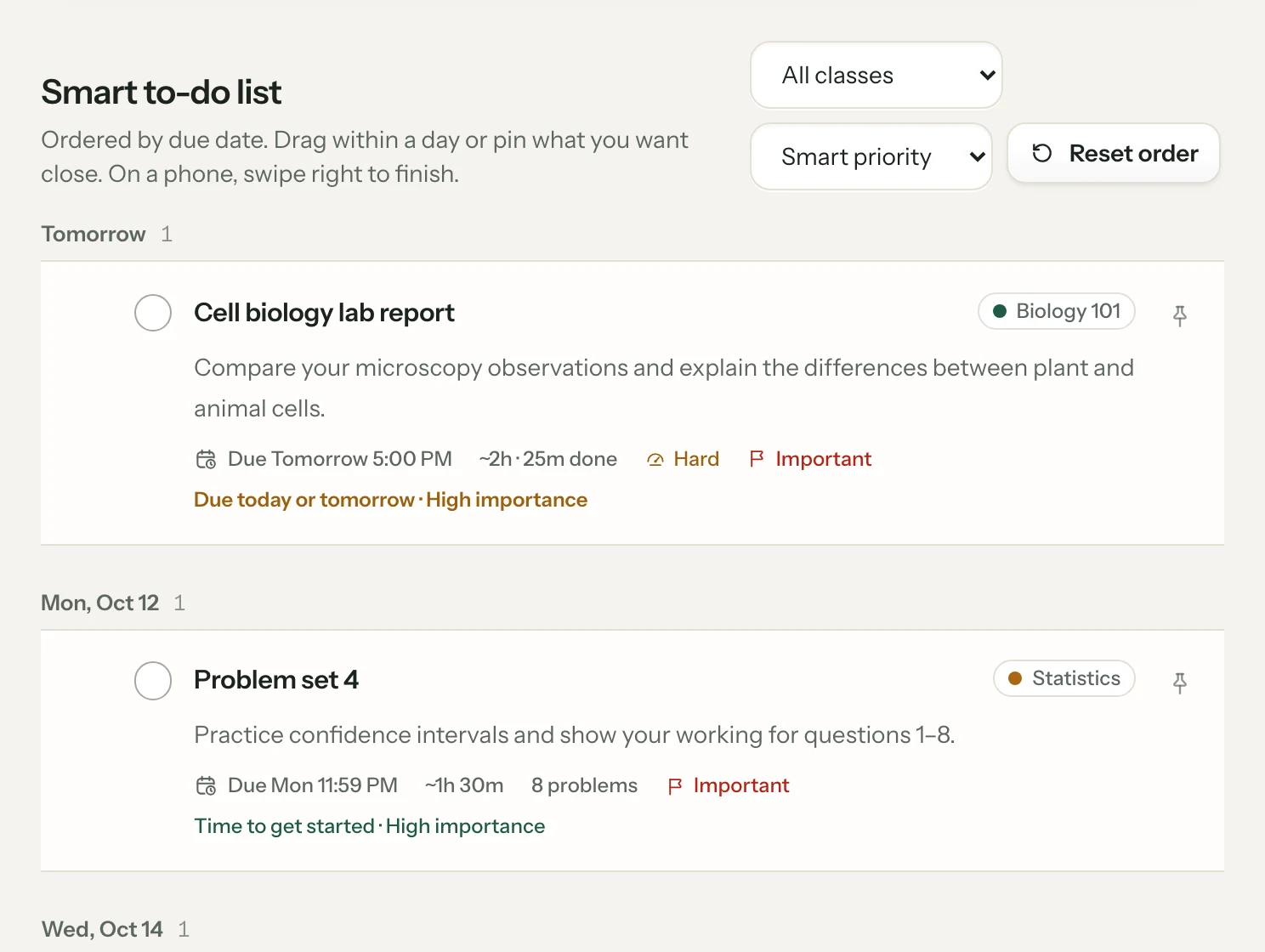
Schedly’s smart to-do list with a Cell biology lab report due tomorrow at the top and the reasons it’s first.Schedly’s smart to-do list with a Cell biology lab report due tomorrow at the top and the reasons it’s first.
Schedly, shown with example data from the product tour
Walk through an example
  • Every assignment in one smart to-do list, ordered by due date and effort.

  • A reason on each item, so you can see why it’s next.

  • Free for up to 15 open assignments. Finished work doesn’t count.

On this page

What an assignment tracker has to get right

A tracker is only useful if it’s the one place you look. That means it has to hold work from every class, show the exact due time (11:59 PM and “before class” are different deadlines), and stay current when you finish something or a date moves.

A spreadsheet can hold the list. What it can’t do is re-sort itself every morning around what’s due, how big each piece is, and what you’ve already finished. That ordering is the part Schedly does for you.

How Schedly orders your assignments

Your list runs in date order, with overdue work first. Schedly weighs how close each deadline is, your desired completion date, difficulty, importance, and the time estimate, and shows the reasons under each assignment.

A Tuesday list for a student taking four classes

  1. Organic Chemistry problem set 5

    Orgo · Due Wed 11:59 PM · ~3h

    Due today or tomorrow

  2. Psych reading, Ch. 7

    Intro Psych · Due Thu 9:00 AM · ~1h

    Due within 3 days

  3. Econ midterm review

    Econ 201 · Exam Thu 2:30 PM · ~5h

    Time to get started

  4. History paper draft

    Writing Seminar · Due Fri 5:00 PM · ~6h

    Time to get started

  5. Lab notebook check

    Orgo · Due next Tue · ~30m

    Planned for later

Fictional example. Reasons are the labels Schedly shows on each assignment.

Bigger, harder, more important work gets a longer head start, so a six-hour paper starts showing Time to get started days before a half-hour notebook check does. You can still pin something to the top or drag work due on the same day into your own order. See how Schedly decides what to work on first.

Everything that lives with each assignment

  • Due date and time, class, difficulty, importance, and a time estimate.
  • Links and resources: the prompt, the reading, the rubric. Free keeps working links on 2 assignments plus 3 general and 3 assignment resources.
  • Focus now: the one assignment to start next, with Start, Done, and Details.
  • Search across titles, classes, and links.
  • Past work: finished assignments stay findable (for 24 hours on Free).
  • Calendar: your deadlines laid out for the next 10 days on Free, every month on Pro.
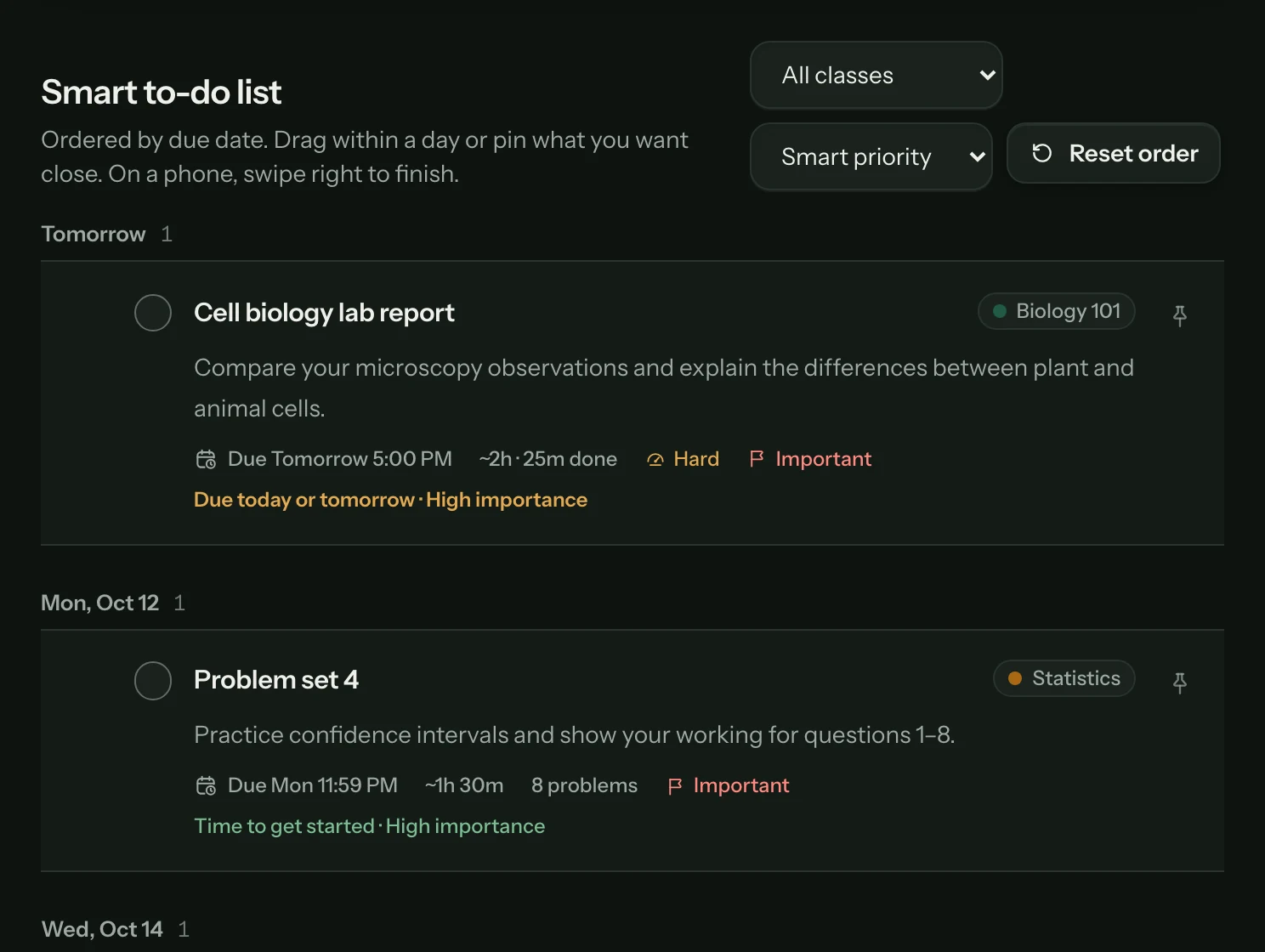
The smart to-do list in Schedly, showing assignments with due dates, classes, and reason labels.The smart to-do list in Schedly, showing assignments with due dates, classes, and reason labels.
The smart to-do list, from Schedly’s fictional tour workspace.

Getting assignments in quickly

Add an assignment with the form on any plan. On Free, try importing a syllabus with your 2 free EasyAdd Lite analyses. Pro adds quick add (type “bio lab report fri 5pm hard 3h” and Schedly fills in the fields), full EasyAdd for photos and scans, and calendar feeds from Canvas and similar systems.

Free counts open assignments only. Mark something done and it stops counting toward your 10, so Free keeps working through the whole term if you keep up.

What’s free, and what’s Pro

Start on Free with no card. Upgrade from inside Schedly whenever the semester needs it. See full pricing.

Free $0

Everything you need to keep this week’s work in order.

  • Up to 15 open assignments at a time (finished work doesn’t count)
  • Smart to-do list in due-date order, with the reason on each assignment
  • Focus now, the one assignment to start next
  • Calendar for the next 10 days
  • 2 free EasyAdd Lite syllabus analyses
  • Working links on 2 assignments, plus 3 general and 3 assignment resources
  • Search, and Past work kept for 24 hours
  • Schedly for ChatGPT, with 25 actions a week

Pro $14.99/month or $140/year

Plan the whole semester, with the time blocked out for you.

  • Unlimited assignments and every calendar month
  • Full EasyAdd: syllabi, scanned PDFs, photos, class schedules, and every date in the term
  • Schedule page with your weekly classes
  • Plan my week and My day study blocks, planned around your classes
  • Schedbot, the assistant that answers from your own plan
  • Break it down, the focus timer, and email updates
  • Unlimited Schedly for ChatGPT

Pro’s AI features (EasyAdd, Schedbot, and Break it down) share a weekly AI allowance that resets every Monday. Yearly works out to $11.67/month.

Questions

Is Schedly free?

Yes. Free covers up to 15 open assignments at a time, the smart to-do list, Focus now, a 10-day calendar, and 2 free syllabus analyses. Pro removes the limits and adds automated planning.

Does it work with Canvas?

Pro can bring in deadlines from your school’s calendar feed, such as Canvas, and send Schedly due dates to your phone’s calendar.

Does it work on my phone?

Yes. Schedly runs in your phone’s browser with a layout made for small screens, including swipe to finish.

Who can see my assignments?

Only you. Your plan is private to your account, and you can export or delete it from Settings.

Know what’s due. Know when to do it.

Schedly puts every assignment in order and shows you where to start. Free for up to 15 open assignments. Try 2 free syllabus analyses.